AI design tools / Layer Nine
Adobe Firefly vs Midjourney: Which Is Better for Graphic Designers in 2026?
Firefly is the stronger production companion for Adobe-heavy workflows. Midjourney is the stronger visual explorer. This guide compares the two using current 2026 capabilities, pricing, design use cases, and a practical recommendation quiz.
Quick answer
Firefly wins for production. Midjourney wins for imagination.
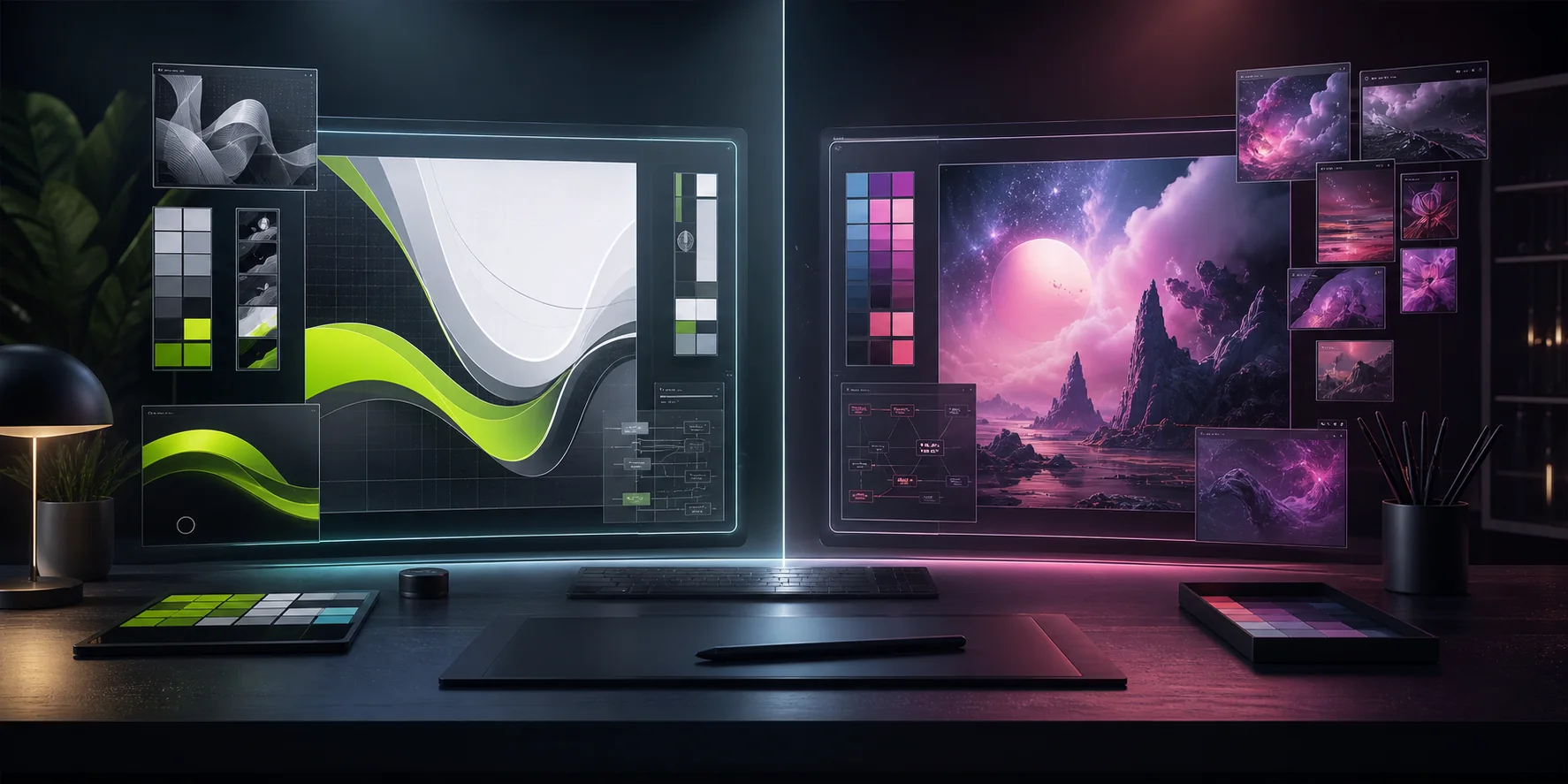
Adobe Firefly is the practical choice for designers who live in Photoshop, Illustrator, Adobe Express, and brand-safe marketing workflows. Midjourney is the stronger choice when the goal is visual exploration, concept art, mood boards, and cinematic image quality.
Overview
AI image generation has become part of the creative toolkit.
Artificial intelligence has transformed the way designers create concepts, illustrations, marketing visuals, and branding assets. Two of the biggest names in AI-powered image generation are Adobe Firefly and Midjourney.
Both tools can produce stunning visuals from simple text prompts, but they serve different purposes. This guide breaks down the strengths, weaknesses, and ideal use cases of each platform.
How this review is evaluated
Testing should be documented, not guessed.
This review looks at prompt accuracy, composition, realism, typography, reference control, editability, Adobe integration, commercial workflow, pricing, and ease of use.
If you want to make the article even stronger later, generate the same prompt in both tools, save the exported images, record the settings used, and replace the benchmark placeholders below with your own original outputs.
Current cost
Adobe Firefly vs Midjourney pricing in 2026.
Firefly offers limited free daily generations. Official paid individual tiers currently include Standard at $9.99, Pro at $19.99, Pro Plus at $49.99, and Premium at $199.99 per month.
Adobe is also running a limited-time 30% first-year promotion on Pro Plus and Premium that ends August 26, 2026.
Midjourney's official monthly tiers are Basic at $10, Standard at $30, Pro at $60, and Mega at $120. Higher tiers include more Fast GPU time and broader Relax Mode access.
Annual plans are discounted, and Standard, Pro, and Mega include unlimited image generations with Relax Mode.
Pricing note: prices, credits, taxes, promotions, and plan features can change. Always verify the official plan pages before purchasing.
Tool snapshot
Open each tool card to see where it fits.
Adobe Firefly Commercial design workflow
Adobe Firefly is Adobe's generative AI platform built specifically for creative professionals. It integrates with Photoshop, Illustrator, Adobe Express, and other Creative Cloud applications.
Firefly is especially attractive for commercial projects where licensing, editing control, and production workflow matter.
- Marketing graphics
- Brand design
- Product mockups
- Social media content
- Commercial client work
- Photoshop editing
- Illustrator workflows
Midjourney Cinematic visual exploration
Midjourney is an AI image generator known for producing highly artistic and visually striking images.
Instead of focusing on editing existing artwork, Midjourney excels at generating entirely new concepts with rich detail, cinematic lighting, and imaginative compositions.
- Concept art
- Character design
- Fantasy artwork
- Mood boards
- Creative inspiration
- High-end illustrations
Feature comparison
The scorecard changes depending on the job.
| Feature | Adobe Firefly | Midjourney |
|---|---|---|
| Ease of Use | 5/5 | 4/5 |
| Image Quality | 4/5 | 5/5 |
| Commercial Safety | 5/5 | 4/5 |
| Photoshop Integration | 5/5 | 1/5 |
| Illustrator Integration | 5/5 | 1/5 |
| Artistic Style | 4/5 | 5/5 |
| Editing Tools | 5/5 | 2/5 |
| Branding Projects | 5/5 | 3/5 |
| Concept Art | 3/5 | 5/5 |
| Learning Curve | Easy | Moderate |
Original testing template
Add a five-prompt side-by-side benchmark.
Use the same prompt, aspect ratio, and number of generations for both tools. Save all outputs before choosing favorites. This creates credible first-hand evidence instead of relying only on general impressions.
Replace these demonstration bars with scores from your documented test before presenting them as hands-on results.
Winner: Midjourney
Midjourney often produces more dramatic and visually expressive results, with rich textures, cinematic lighting, and impressive composition for concept art and creative exploration.
Winner: Adobe Firefly
For freelancers, agencies, and businesses, licensing matters. Firefly's commercial-first positioning makes it a safer choice for many professional workflows.
Winner: Adobe Firefly
Firefly can support Photoshop backgrounds, Generative Expand, Generative Fill, Illustrator vectors, and Adobe Express marketing assets without forcing designers to leave the Adobe ecosystem.
Winner: Midjourney
If the goal is imaginative or cinematic artwork, Midjourney remains one of the strongest options for fantasy scenes, architectural concepts, and stylized illustrations.
Choose by workflow
Pick the tool based on what you need to finish.
Choose Adobe Firefly if you...
- Work in Photoshop or Illustrator every day.
- Design logos and brand assets.
- Create marketing campaigns.
- Need commercially safer AI-generated content.
- Prefer editing existing designs.
Choose Midjourney if you...
- Need creative inspiration.
- Design concept art.
- Build mood boards.
- Create illustrations.
- Explore visual directions before production.
Interactive tool picker
Which AI image tool fits your workflow?
What do you create most often?
Where do you finish your work?
What matters most?
Hybrid workflow
The strongest workflow may use both.
Generate Concepts
Use Midjourney to explore mood, style, composition, and unexpected directions.
Refine In Photoshop
Move selected visuals into Photoshop and refine them with Firefly-powered edits.
Add Brand Systems
Use Illustrator or InDesign to add typography, grids, layout, and identity rules.
Deliver Assets
Export polished visuals, campaign files, decks, or client-ready design systems.
Commercial use
Commercially safer does not mean legally risk-free.
Adobe positions Firefly around commercially oriented production workflows and Adobe app integration. Midjourney allows commercial use according to its plan and terms, but large companies need to pay attention to plan requirements.
Designers are still responsible for trademarks, publicity rights, confidential inputs, copyrighted characters, client policy, and local law. Review the current terms before using generated work in client campaigns.
If the final deliverable is a short-form video or tutorial, caption consistency matters as much as image quality. Use this related guide when CapCut Apply to All Captions is not working across every caption block.
Pros and cons
A practical view before you commit.
Adobe Firefly
Pros
- Excellent Creative Cloud integration.
- Commercial-friendly approach.
- Easy to use.
- Strong editing features.
- Great for branding and marketing.
Cons
- Less artistic than Midjourney.
- Some styles can feel more conservative.
Midjourney
Pros
- Exceptional artistic quality.
- Beautiful lighting and composition.
- Outstanding concept generation.
- Strong community inspiration.
Cons
- Separate workflow from Adobe apps.
- Fewer editing capabilities.
- Requires more prompt experimentation.
Frequently asked questions
Tap a question to expand it.
Is Adobe Firefly free?
Adobe offers limited free generative credits. Additional usage may require a paid Creative Cloud subscription or a Firefly plan.
Is Midjourney better than Adobe Firefly?
Midjourney generally produces more artistic images, while Adobe Firefly is often the better choice for commercial design workflows and Creative Cloud users.
Does Midjourney have a free plan?
Midjourney currently requires a paid subscription for its web or Discord workflow.
Which AI is best for logo design?
Neither tool should be used to deliver an unedited final logo. Firefly is more practical inside an Adobe workflow, while Midjourney can help explore visual directions. Final logo work should be rebuilt as controlled vector artwork and checked for originality.
Which AI is best for concept art?
Midjourney is widely regarded as one of the strongest tools for creating visually rich concept art and imaginative scenes.
Can I use Firefly and Midjourney together?
Yes. This is often the best professional approach: ideate in Midjourney, refine with Firefly and Photoshop, then complete typography and brand systems manually.
Official sources
Verify current details before publishing updates.
Final verdict
There is not one winner. There is a better moment for each tool.
If your focus is professional graphic design, branding, marketing, and Adobe Creative Cloud workflows, Adobe Firefly is the stronger choice.
If you prioritize creative exploration, concept art, cinematic visuals, and artistic inspiration, Midjourney is difficult to beat.
For many designers, the most effective workflow is not choosing one over the other. It is combining both to move from inspiration to polished, client-ready work more efficiently.